
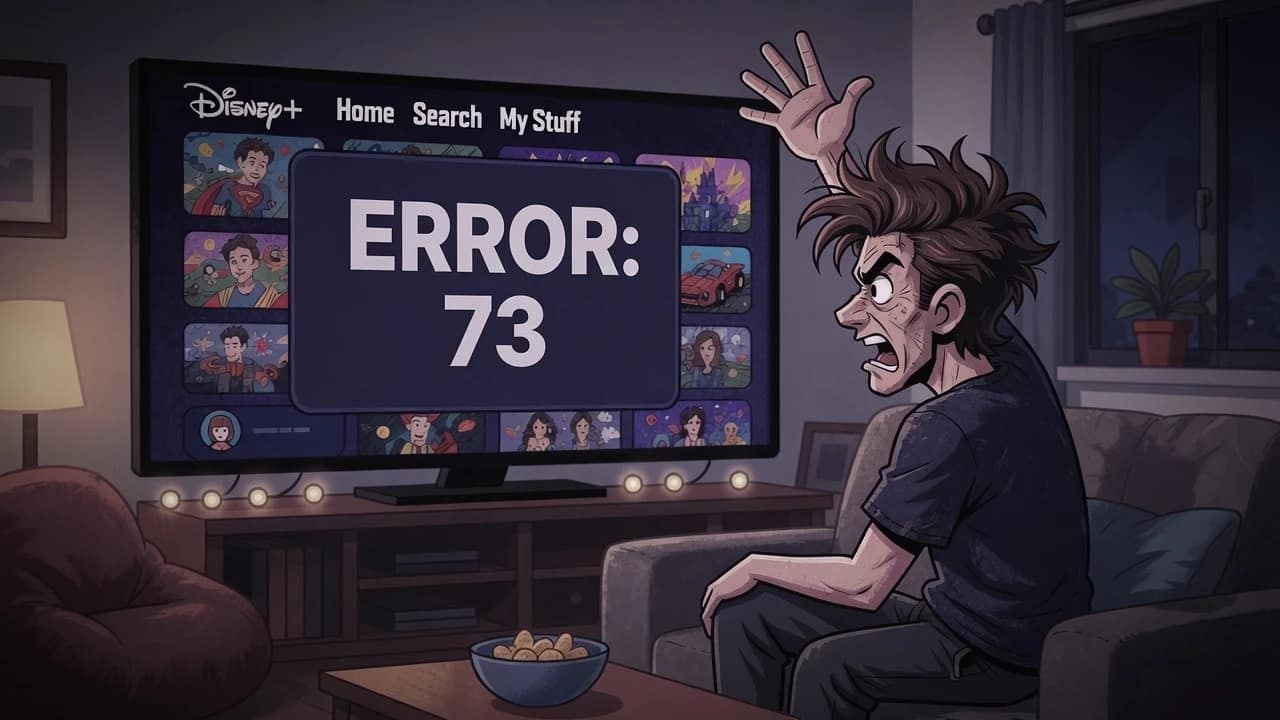
Disney Plus Error 73:
The Proven VPN Fix for 2026
Date Published: 9th July 2026 / Author: Baizaar Lee / Last Updated: 9th July 2026
TL;DR:
The frustrating Disney Plus Error 73 means the platform has flagged a VPN or decided your location does not check out. It is not a glitch. Common fixes like clearing cache, changing a router’s MAC address, or hopping servers only hold for a few days because they patch a symptom rather than the detection method behind Disney Plus Error 73. What actually holds is Proton VPN, specifically its Stealth protocol, which disguises your connection as ordinary HTTPS browsing instead of obvious VPN traffic.
- What Disney Plus Error 73 Actually Means
- Is Disney+ Down, Or Is It Just You?
- Will Disney+ Ban Your Account for Using a VPN?
- Why Disney+ Bothers Blocking VPNs At All
- Why Your Fix for Disney Plus Error 73 Keeps Failing
- The Fix That Actually Holds Against Disney Plus Error 73
- Setting Up Proton VPN Stealth to Fix Disney Plus Error 73
- Stealth vs Standard VPN Protocols
- Proton Unlimited vs a Single-Purpose VPN Subscription
- Limitations and Risks
- FAQ: Disney Plus Error 73 in 2026
What Disney Plus Error 73 Actually Means
The issue you’re facing with the Disney Plus Error 73, is that it fires the moment Disney+’s system “decides” your connection looks off, either because you are outside a supported region or because it has caught a VPN. Disney’s own official help documentation confirms this outright, listing VPN or IP anonymiser use as a direct trigger alongside genuine regional unavailability.
This is not a stray bug rattling around in a codebase. It is a deliberate compliance mechanism doing what it was built to do, just not in your favour tonight.
A fair chunk of the people hitting Disney Plus Error 73 are not trying to pull a fast one on Mickey Mouse. They are travellers and expats who have paid for a Disney+ subscription at home and simply want to keep watching it while abroad. This guide is written with that reader in mind, though the mechanics apply equally to anyone else bumping into the block.
The message itself, “This content isn’t available to watch in your current location,” gives away almost nothing. It does not tell you whether it caught your VPN, your DNS, or your genuine physical location. That vagueness is why so many people burn an entire evening chasing the wrong fix for what is, underneath it all, a fairly simple problem.
Is Disney+ Down, Or Is It Just You?
Almost always, it is just you. Disney Plus Error 73 is not a platform-wide outage, however much you might want it to be someone else’s problem. It is a targeted response to your specific IP address and device, and the pattern holds up consistently across community reports.
People fix it in isolation on their laptop while their flatmate carries on watching the same show, unbothered, on the Xbox two feet away. If you fancy ruling out a genuine Disney+ service outage before assuming the fault sits with you, a quick check of a live status tracker will settle it in seconds.
Will Disney+ Ban Your Account for Using a VPN?
No, and this deserves saying plainly because it is the quiet anxiety underneath most searches for Disney Plus Error 73. Disney+ blocks IP addresses, not accounts. Community discussion around VPN use on Disney+ points consistently in one direction: people get locked out of a session, not locked out of their subscription. That is not a formal guarantee, but it is the pattern that shows up again and again.
That distinction changes how you should approach this. You are not gambling with your account here. You are working around a network-level filter.
Why Disney+ Bothers Blocking VPNs At All
Content licensing is the entire reason Disney Plus Error 73 exists, and it explains why the block is so aggressive. Disney pays different rights holders in different countries for the same catalogue of films and shows, and a VPN lets you dip into a regional library you have not technically paid for. Studios hold platforms like Disney contractually responsible for enforcing those borders, which is why detection systems exist at all rather than being some optional extra.
Technically, Disney leans on blacklisted datacentre IP ranges. Some users in community discussions also report DNS leak detection giving away a real location even when the visible IP address looks clean, though this is anecdotal rather than something Disney has confirmed publicly.
If you want to understand how deep packet inspection works under the bonnet, the Electronic Frontier Foundation’s explainer on network surveillance techniques is a genuinely useful primer, and it will make you slightly more paranoid about your home router in a healthy way. The DNS point matters regardless of how confirmed it is: you can have a technically solid VPN connection and still trip the error if your device is leaking DNS requests outside the encrypted tunnel without you knowing.
Why Your Fix for Disney Plus Error 73 Keeps Failing
Here is the bit nobody tells you upfront. Most of the popular community fixes work, briefly, and then quietly stop working days later. That is not you doing something wrong. That is the nature of patching a symptom instead of the detection method causing it.
Clearing cache and cookies. Disney+ stores location data locally in your browser, so wiping it can reset a flag temporarily. It rarely holds beyond a handful of sessions before the same wall goes back up.
Changing your router’s MAC address. A fix reported often enough in community forums to be worth trying, and it does work for some people initially. The catch is your freshly issued IP address gets flagged again once Disney’s system catches up with the change, sometimes within days.
Switching VPN servers. Cycling through three or four servers in the same target country can dodge one specific blacklisted IP for a while. Free and low-quality VPN IP pools get blacklisted fast and repeatedly, which is why this turns into a recurring chore rather than a proper fix.
Contacting Disney support directly. Some users report getting manually whitelisted after a support chat, though results vary a fair bit, with one anecdotal account describing a wait of most of a week before resolution.
None of these fixes are wrong exactly. They are temporary patches on a problem that resets itself on Disney’s schedule, not yours.
The Fix That Actually Holds Against Disney Plus Error 73
Here is the part that changes the maths. Standard VPN protocols like OpenVPN and WireGuard are relatively easy for detection systems to fingerprint, because the traffic pattern itself looks like a VPN tunnel regardless of which server you connect through. Switching servers does not fix this problem. You are still sending up an obvious flare, just from a different postcode.
Proton VPN’s Stealth protocol works on a different principle, and it is worth understanding why rather than just taking our word for it. It wraps your connection in obfuscated TLS tunnelling over TCP, so instead of resembling VPN traffic, it looks like ordinary HTTPS browsing, the same signature as checking your online banking or scrolling a supermarket website.
Proton‘s own technical writeup on how Stealth defeats censorship and deep packet inspection goes into the engineering if you want the full detail rather than our simplified version. Detection systems built on this model are no longer trying to work out where you are located. They cannot reliably tell you are using a VPN in the first place, which is precisely why Stealth outperforms standard protocols against Disney Plus Error 73.
This is not a new trick found for this piece either. We have relied on the same Stealth protocol in our Amazon Prime Video VPN troubleshooting guide and again when untangling YouTube’s detection problems with Mullvad, and it held up consistently in both cases against similarly aggressive detection.
Stealth is available across every Proton VPN tier, including the free plan. The free tier, however, does not let you choose your server country, which makes it fairly useless for fixing a region-based block like this one. That, alongside the speed needed for reliable 4K streaming without the buffering wheel of shame, is the honest reason Plus is the one worth paying for here.
BAIZAAR pick: Proton VPN Plus (4.7 out of 5)
We have put Stealth protocol through its paces on Disney+ directly, not just in theory, and it got straight past the block without a hint of trouble. It is the same engine that already handles Amazon Prime Video’s and YouTube’s detection systems, both of which lean on similar VPN fingerprinting to Disney’s, and Stealth shrugged those off too. Three for three against the platforms that give VPNs the hardest time is not a coincidence, it is Proton VPN Plus doing exactly what it is built for.
On that basis, and on how the underlying mechanism works, it earns a 4.7 out of 5 BAIZAAR rating as the most credible option against streaming VPN detection generally, Disney Plus Error 73 included.
A few other things worth knowing: Proton VPN runs over 110 countries’ worth of servers, offers an independently audited no-logs policy (audited annually), and includes a dedicated IP add-on for anyone who wants the same server every time rather than a rotating pool.
Current offer: Proton VPN’s 2-year plan runs at $2.99/month (70% off the standard $9.99 rate, saving $168 over the term), with a 1-year plan available at $3.49/month and a 1-month option at $4.99/month if you would rather test the water first. All plans include a 30-day money-back guarantee.
Tired of rebuilding the same fix every three days like some sort of digital Sisyphus?
Get Proton VPN Plus and switch on Stealth protocol tonight →
Setting Up Proton VPN Stealth to Fix Disney Plus Error 73
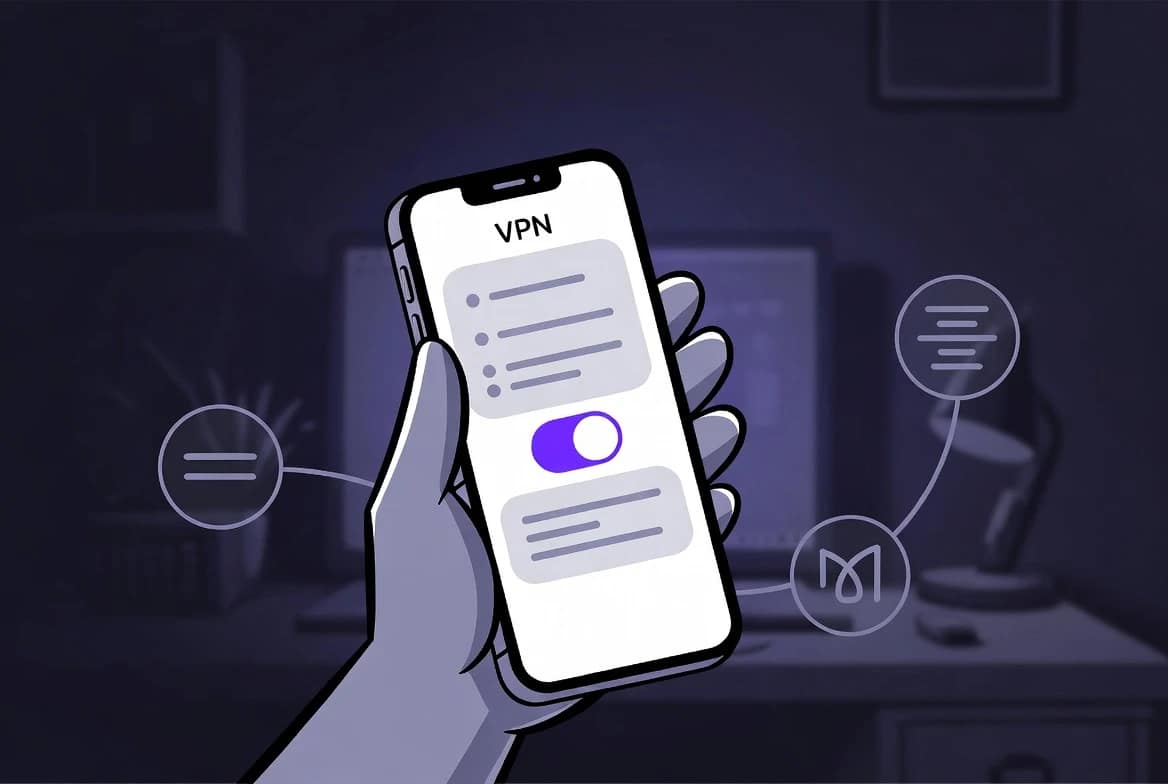
- Install Proton VPN and sign into a Plus plan account, since the free tier cannot select a specific server country.
- Open Settings, then Advanced, then Protocol, and manually select Stealth.
- Clear your Disney+ app cache and browser cookies completely before reconnecting.
- Connect to a server based in your target streaming region.
- Run a free DNS leak test to confirm nothing is slipping outside the encrypted tunnel.
- Relaunch Disney+ and verify playback works cleanly.
Stealth vs Standard VPN Protocols
| Property | Stealth (Proton VPN) | OpenVPN / WireGuard |
|---|---|---|
| What it defeats | Deep packet inspection and IP blacklists | IP blacklists only |
| Traffic disguise | Looks like ordinary HTTPS browsing | Carries a fingerprintable VPN signature |
| Transport | Runs over TCP for obfuscation | Typically UDP, faster but more detectable |

Proton Unlimited vs a Single-Purpose VPN Subscription
If you are already reaching for Proton VPN Plus purely to sort out Disney Plus Error 73, it is worth a two-minute detour before you check out. Proton Unlimited bundles VPN together with Proton Mail+, Proton Drive+ and Proton Pass+ under one subscription (+Lumo AI)
If you are also eyeing up a separate password manager or extra encrypted cloud storage, the bundle typically works out cheaper than buying all three pieces individually. Our full breakdown of Proton Mail’s 2026 pricing tiers shows where those savings stack up if you want the maths laid bare.
| Feature | Standalone Proton VPN Plus | Proton Unlimited |
|---|---|---|
| Stealth Streaming Protocol | Yes | Yes |
| Encrypted Cloud Storage | None | 500 GB |
| Password Manager | None | Premium Included |
| Custom Email Domains | None | Up to 3 |
Current offer: Proton Unlimited’s 12-month plan runs at $9.09/month (30% off the standard $12.99 rate, saving $47 over the year), or you can take the 1-month plan at $12.99/month with no long-term commitment. Both include a 30-day money-back guarantee.
If a VPN is already going in your basket for Disney Plus Error 73, it is worth checking whether
Proton Unlimited beats buying Plus and a password manager separately.
It usually does. Compare Proton Unlimited pricing before you commit →
Limitations and Risks
No VPN, obfuscated or otherwise, guarantees permanent, uninterrupted access to Disney+ forever. Detection methods evolve on both sides, and Stealth protocol solving today’s version of Disney Plus Error 73 does not mean it solves next year’s version without a fight.
It is also worth being upfront that using a VPN to access geo-restricted Disney+ content breaches Disney+’s terms of service, even though enforcement in practice lands on IP addresses rather than individual accounts. Go into this with realistic expectations rather than a guarantee of permanence.
FAQ: Disney Plus Error 73 in 2026
What causes Disney Plus error 73?
Disney+ detecting a VPN, proxy, or an unsupported region on your connection triggers Disney Plus Error 73, as confirmed directly by Disney’s own help documentation.
Will I get banned for using a VPN with Disney Plus?
No, based on the pattern of community reports. Disney+ blocks the IP address responsible for the connection, not the underlying account itself.
Is it illegal to use a VPN with Disney Plus?
No, using a VPN is legal in most countries. It does breach Disney+’s terms of service, though enforcement in practice targets IP addresses rather than pursuing accounts legally.
Does changing my MAC address fix error 73 permanently?
Only temporarily. Community-reported cases show the newly issued IP typically gets flagged again within days of the change.
Which VPN actually works with Disney Plus long-term?
One using an obfuscated protocol such as Proton VPN’s Stealth mode, rather than relying on standard OpenVPN or WireGuard configurations alone.
Why does the error come back even after I fix it?
Standard VPN traffic carries a fingerprintable pattern regardless of which server you connect through. Only obfuscation hides the fact you are using a VPN at all, not just where it happens to be pointing.
Does clearing cache and cookies actually help?
Yes, temporarily. Disney+ stores location data locally, so wiping it can reset a flag, but the fix rarely survives Disney’s next IP re-scan for most VPN users.
Is Disney Plus down when I see error 73?
Almost never. It is a targeted block on your specific connection, not a platform-wide outage, which is why others on your own network often see nothing wrong at all.
Affiliate disclosure
Some of the links in this article are affiliate links. If you choose to purchase Proton VPN or Proton Unlimited through these links, BAIZAAR may earn a small commission at no additional cost to you. This helps fund the testing, research and frankly unreasonable number of hours spent fighting error codes on your behalf. Our ratings, conclusions and criticisms are based on independent testing and community evidence, not on affiliate arrangements.